Publons is now part of Web of Science
Clarivate has retired Publons as a separate website. Reviewer records and profiles now live in Web of Science Researcher Profiles, and existing Publons profiles were migrated across. This page keeps the Brieflands guidance for reviewers and editors-in-chief in one place, and records how the integration worked from 2021. For the current status of automatic review transfer in a specific journal, please contact support.
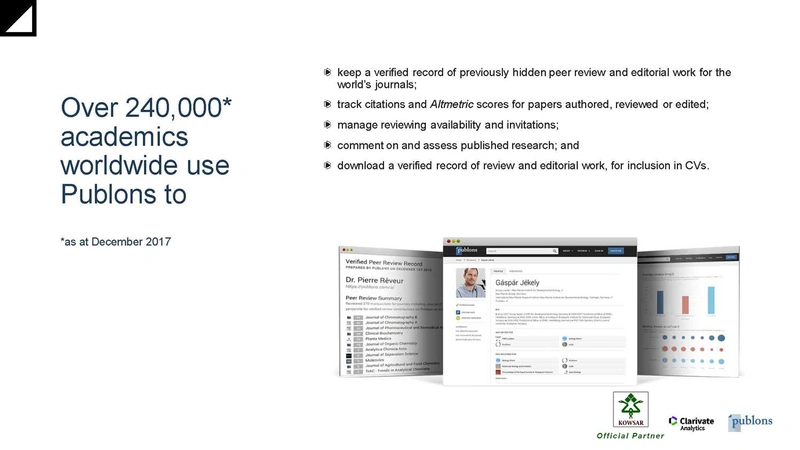
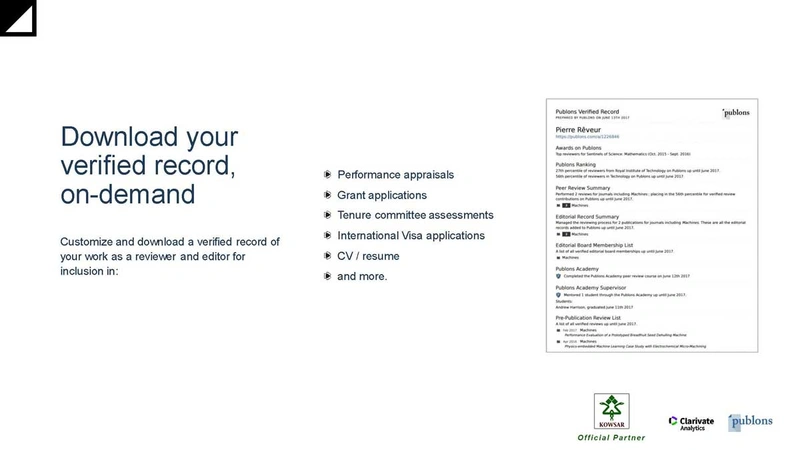
Peer review is the mechanism that validates research, yet for most of its history the work of reviewing went unrecorded. Reviewer recognition services exist to change that: they turn a completed review into a verifiable output a researcher can show in a CV, a funding application or a promotion case, without breaching the confidentiality of the review itself.
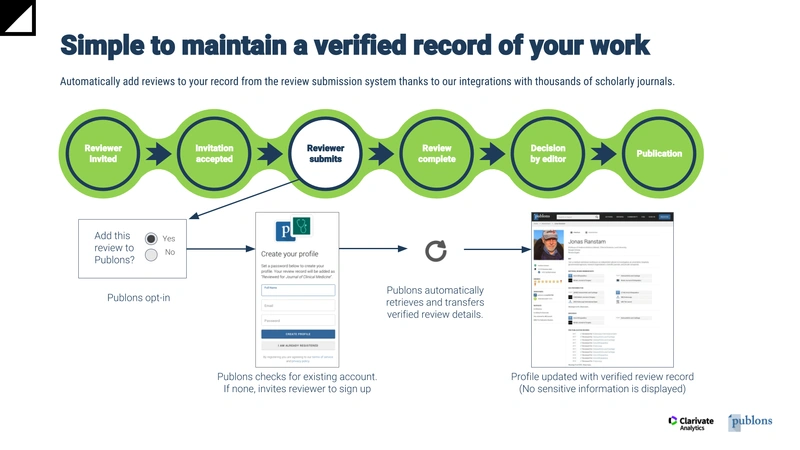
Brieflands became an official Publons partner and deployed the integration in three of its journals from 2021: Hepatitis Monthly, Jundishapur Journal of Microbiology, and Health Scope. Reviews completed in those journals could be added to a reviewer’s profile automatically.
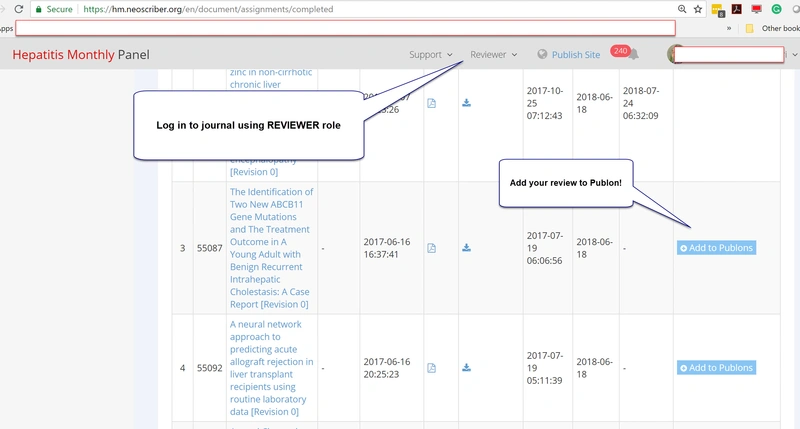
For reviewers: adding a review to your profile
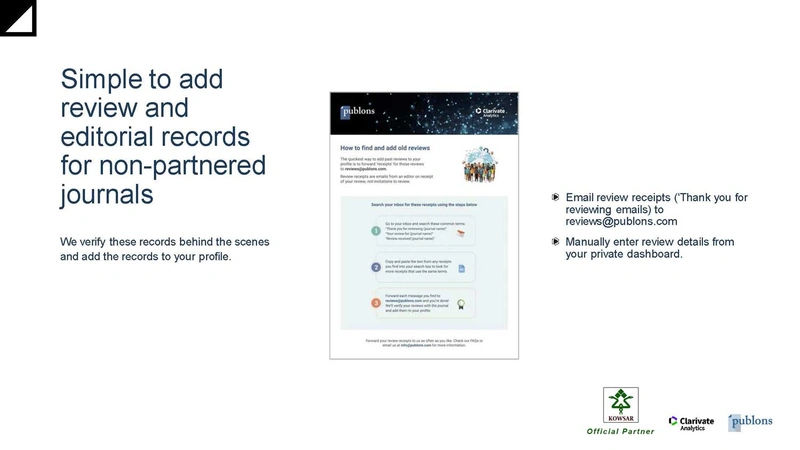
There are two cases — the review you are finishing now, and reviews you completed in the past.
- Add a new review — YouTube
- Add a new review — Aparat
- Add a previous review — YouTube
- Add a previous review — Aparat
For editors-in-chief: managing your journal
An editor-in-chief cannot self-register for the journal dashboard — access is issued by the publisher.
- Register as an EIC — YouTube
- Register as an EIC — Aparat
- Manage a journal in the partner dashboard — YouTube
- Manage a journal in the partner dashboard — Aparat
The videos above were produced by Brieflands during the Publons period. The screens they show have changed since the move to Web of Science Researcher Profiles, but the sequence — publisher issues access, editor activates, reviews are claimed — still describes how the service works.
Why reviewer recognition matters
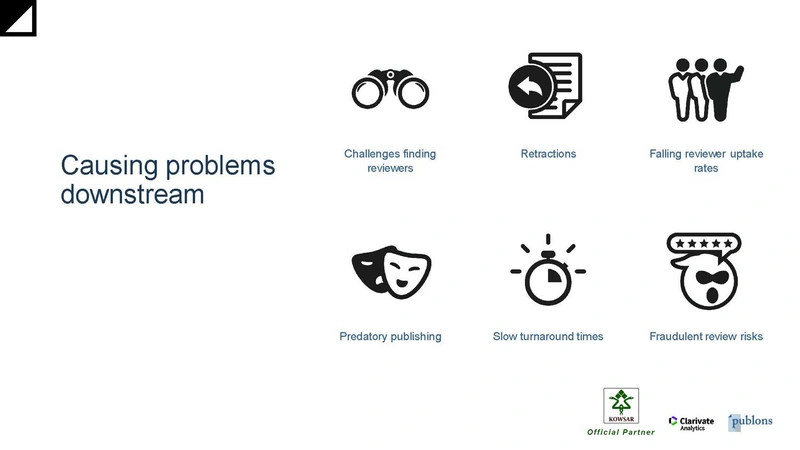
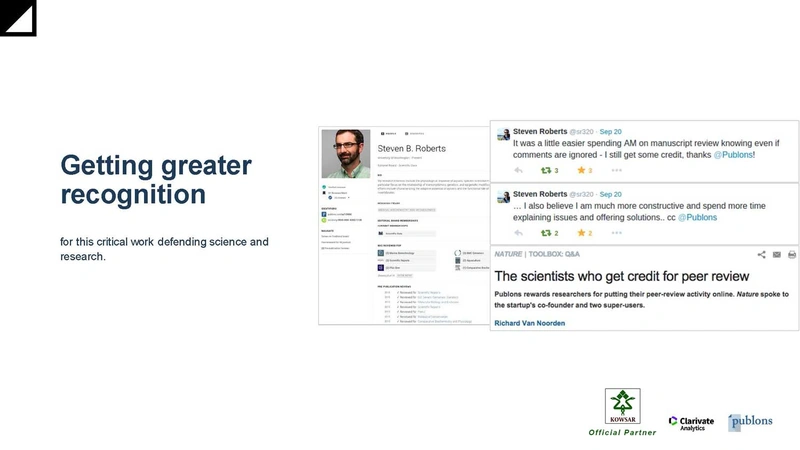
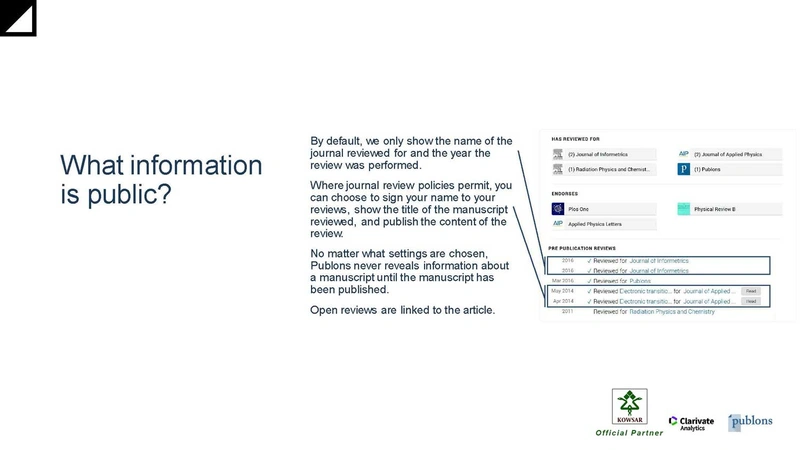
Reviewing has historically been invisible work. Anonymous review models meant the effort was neither reported nor credited, which weakened the incentive to review at all. A verified reviewer record addresses that directly: it gives reviewers evidence of their contribution, gives editors a way to find and assess reviewers, and gives publishers a means of recognising the people their journals depend on. Brieflands supports it for a further reason — a public record of review activity makes reviewer conflicts of interest easier to detect.
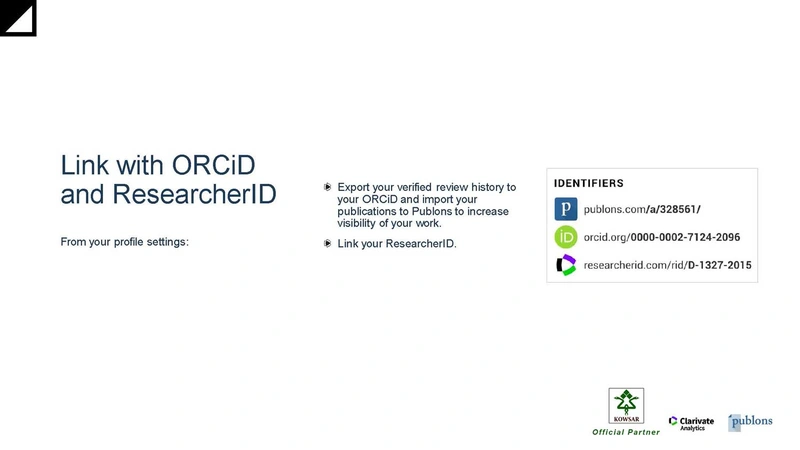
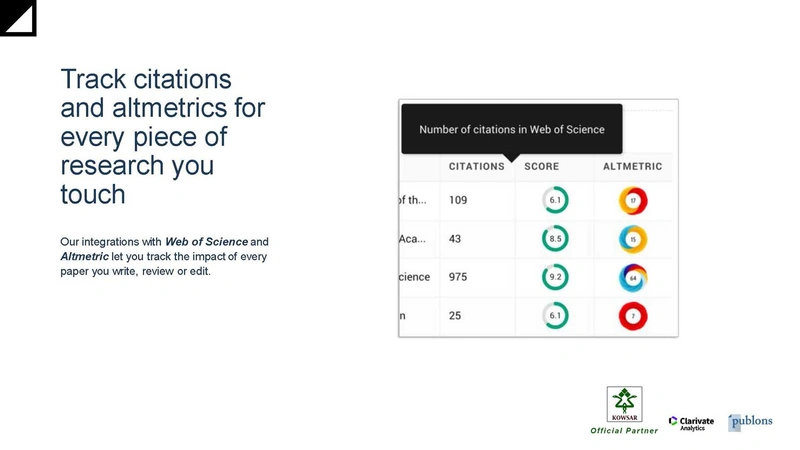
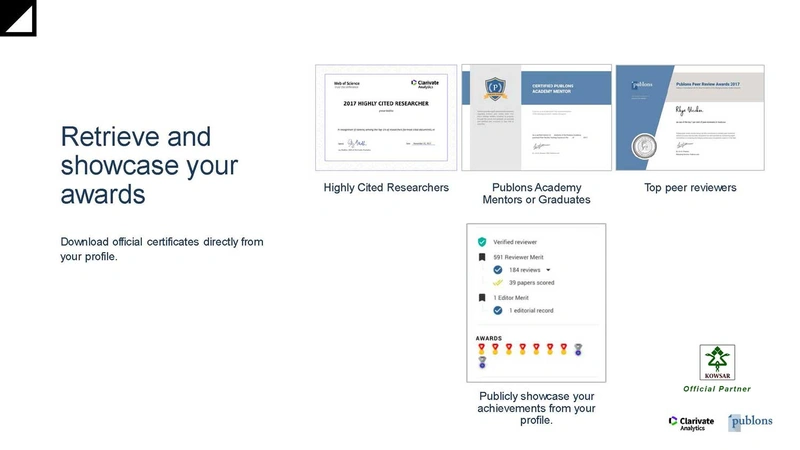
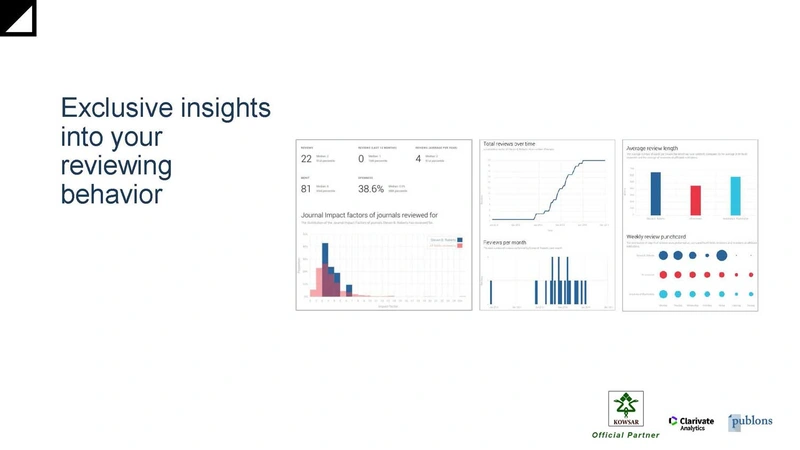
Archive: Publons overview slides (2021)
Retained for reference. These describe the Publons service as it was presented to reviewers before the move to Web of Science.