
Brieflands reaches authors, reviewers and editors through three channels: messages inside the journal panel, SMS, and browser push notifications. This page covers all three and where each is controlled.
Messages in your panel
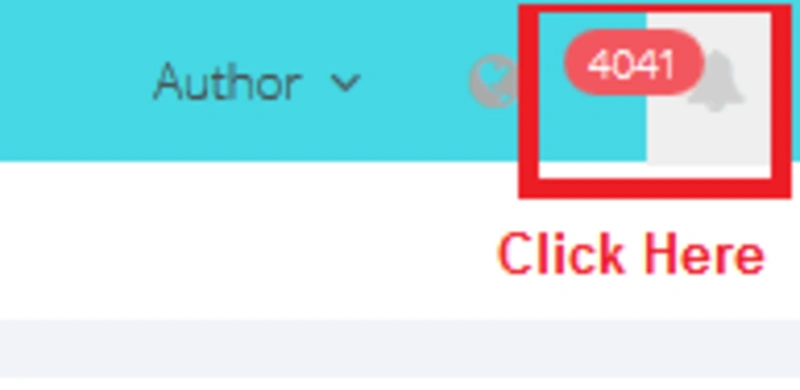
Users can view all inbox and outbox messages via this panel. To see, click on the bell icon in the top right corner of your dashboard.
- Note: If you don’t receive any email, please inform us about your problem via our support system.
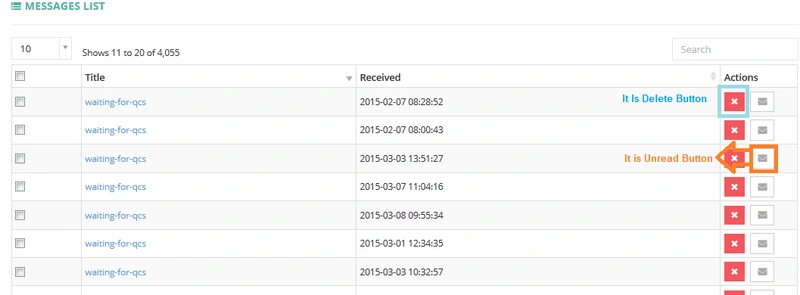
- Each message could be deleted and/or read.
Search in Messages
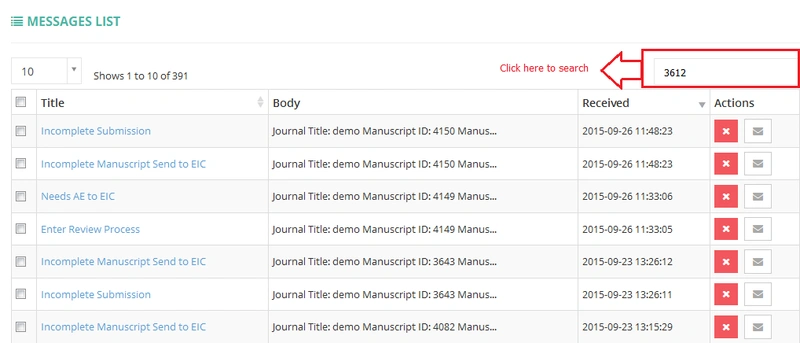
- In the search box, you can search according to your keyword. (For example, article ID, author name, article title, date, and …)
- To close, click the (X) icon (top-right) and return to your previous search results.
SMS
We have developed and configured a new tool for sending SMS to our users since Dec 2019. Using this tool:
- Authors will receive further updates about their manuscripts on their mobile
- Reviewers and Associate editors will be aware of their review assignments and reminders.
This tool is activated only for some countries.
Push notifications
To send a message to all users of our portal, we provide a "notification system" enabled in all of our journals. The admin of the Brieflands can post a new message for all roles. Also, the EIC can send a "notification" for their journals. Please get in touch with us via the support portal to do this.
Related pages